go on, click around Live demos

The back end, not a screenshot of it.

These are the portals my clients run their business from — filled with sample data, so you can open one and use it the way a client would. No signup, no call, nothing you can break.

01Private chef

A private chef’s booking dashboard

Example Chef · sample data
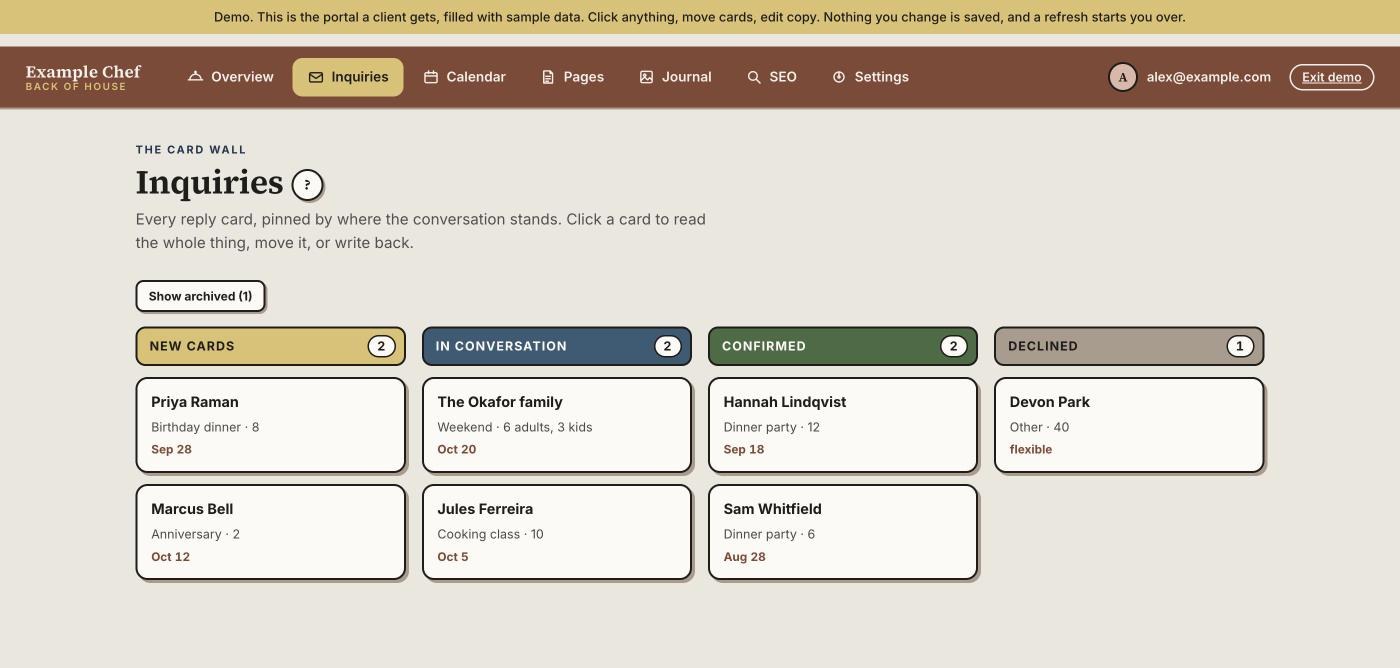
The demo chef dashboard: an inquiries card wall with four columns — new cards, in conversation, confirmed and declined — each card showing the guest's name, the occasion, party size and date Open the demo

Every inquiry lands as a card, pinned by where the conversation stands. The calendar, the pages and the journal are run from the same place — the chef updates her own site without calling anyone.

Fully editable. Nothing you change is saved — refresh and it starts over.

Things to try

  1. Open Inquiries and drag a card from New cards to Confirmed.
  2. Open a card and read the whole inquiry as it arrived.
  3. Go to Pages and rewrite a line of the site.
02Tattoo studio

A tattoo studio’s request board

Block Mark Co. · sample data

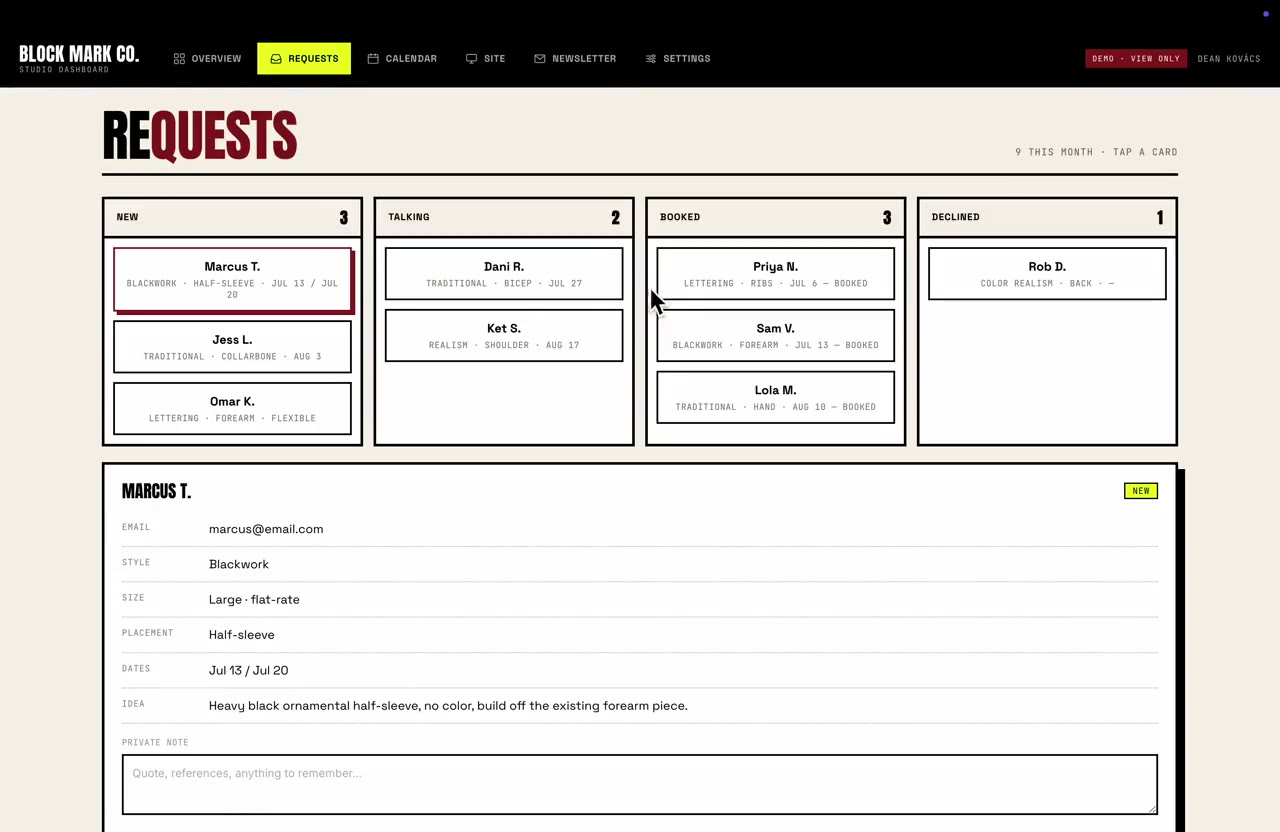
The demo tattoo studio dashboard: booking requests in four columns — new, talking, booked and declined — above an opened request showing style, size, placement, dates and the idea in the client's own words Open the demo

Requests arrive with the style, placement, size and dates already attached, and move from new to talking to booked. It’s branded as a shop, but it works the same way for one artist.

Look-only demo — open anything, nothing changes.

Things to try

  1. Start on the Overview: what’s waiting on you, at a glance.
  2. Open Requests and tap a card to see everything that came in with it.
  3. Check the Calendar.

Want one of these for your business?

Tell me what you take bookings for and how they reach you now. I’ll tell you straight what it would look like and what it would cost.